

From Scattered Notes to a Study Path
Why Learners Stay with the Structure
-

Step-by-step
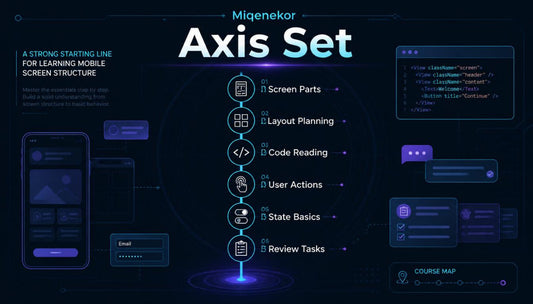
Each course section follows a clear order with topics, examples, tasks, and review notes placed together.
-

Practical Tasks
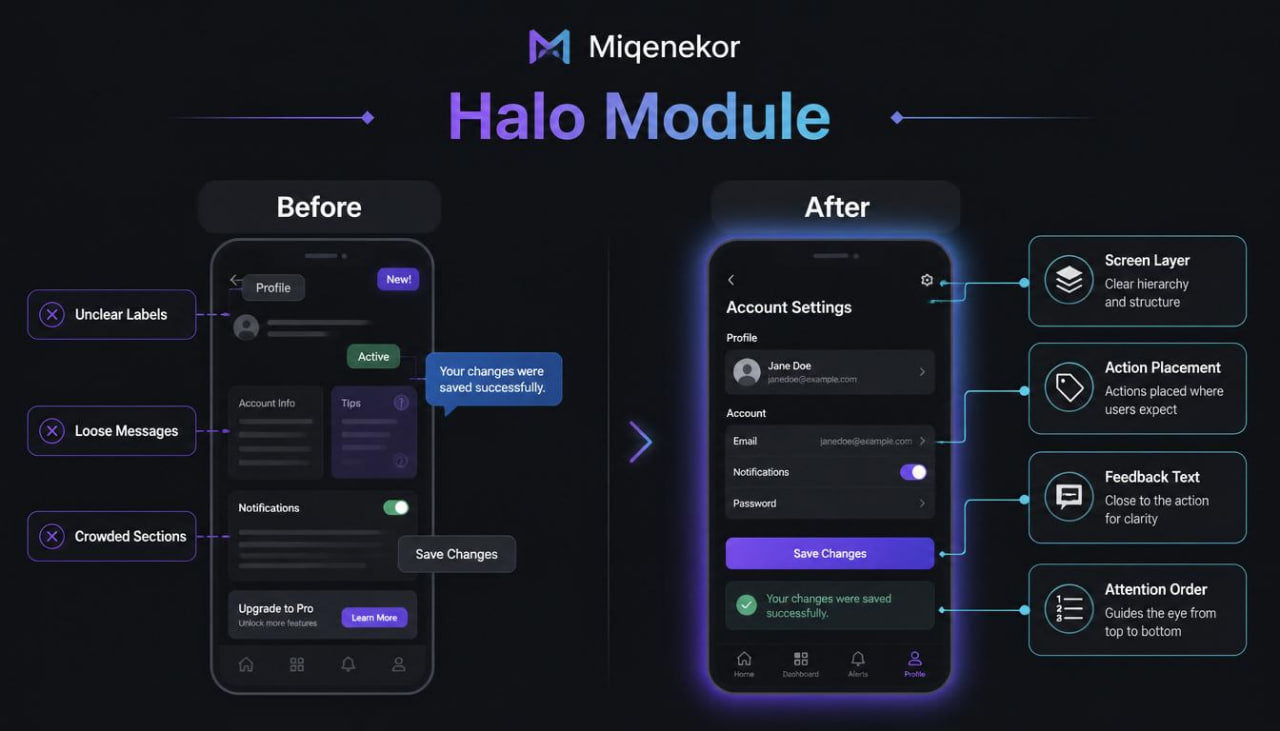
Each practice activity connects screen planning, code reading, user actions, and mobile layout thinking.
-

Clear Content
Each example uses calm wording, short sections, and clear notes for
easier topic
review. -

Study Rhythm
Each course tier supports steady reading, repeated review, and organized learning without pressure.


Start with a Free Study Sample
Choose Your Coding Trail
-
Frame Bundle
Vendor:MiqenekorRegular price €122,00 EURRegular price -
Flux Course
Vendor:MiqenekorRegular price €177,00 EURRegular price







Small Screens, Clear Thinking


30-days refund guarantee
The People Behind the Pages
-

Caelan Carpenter
Mobile Interface Developer
Caelan works with screen layouts, button areas, and reusable interface blocks.
He studies how small visual parts connect with mobile code structure.
His notes turn complex screen ideas into organized learning examples. -

Curtis Ballard
App Logic Engineer
Curtis focuses on user actions, input behavior, and screen response patterns.
He writes examples that show how values move through mobile flows.
His work keeps logic explanations practical, steady, and easy to review. -

Leo Villarreal
Screen Flow Architect
Leo plans routes between lists, detail views, and review screens.
He studies how learners follow movement from one screen to another.
His diagrams make connected mobile structures easier to read.


See the Course Shape Before You Choose
Notes from the Learning Path
-

Bryce Morton
Bryce came to Miqenekor after studying mobile development from scattered notes and disconnected code examples.
He found the module order useful because each topic moved from screen structure to actions, states, and review tasks.
“Free Kit gave me a clearer way to read a mobile screen before looking at larger examples.” -

Ashton Burnett
Ashton started with basic coding knowledge, but mobile screen flow felt difficult when several actions were connected.
He valued the screen maps because they showed how lists, detail views, input areas, and messages fit together.
“The route notes made screen movement easier to follow during my study sessions.”


Discover On All Devices


